
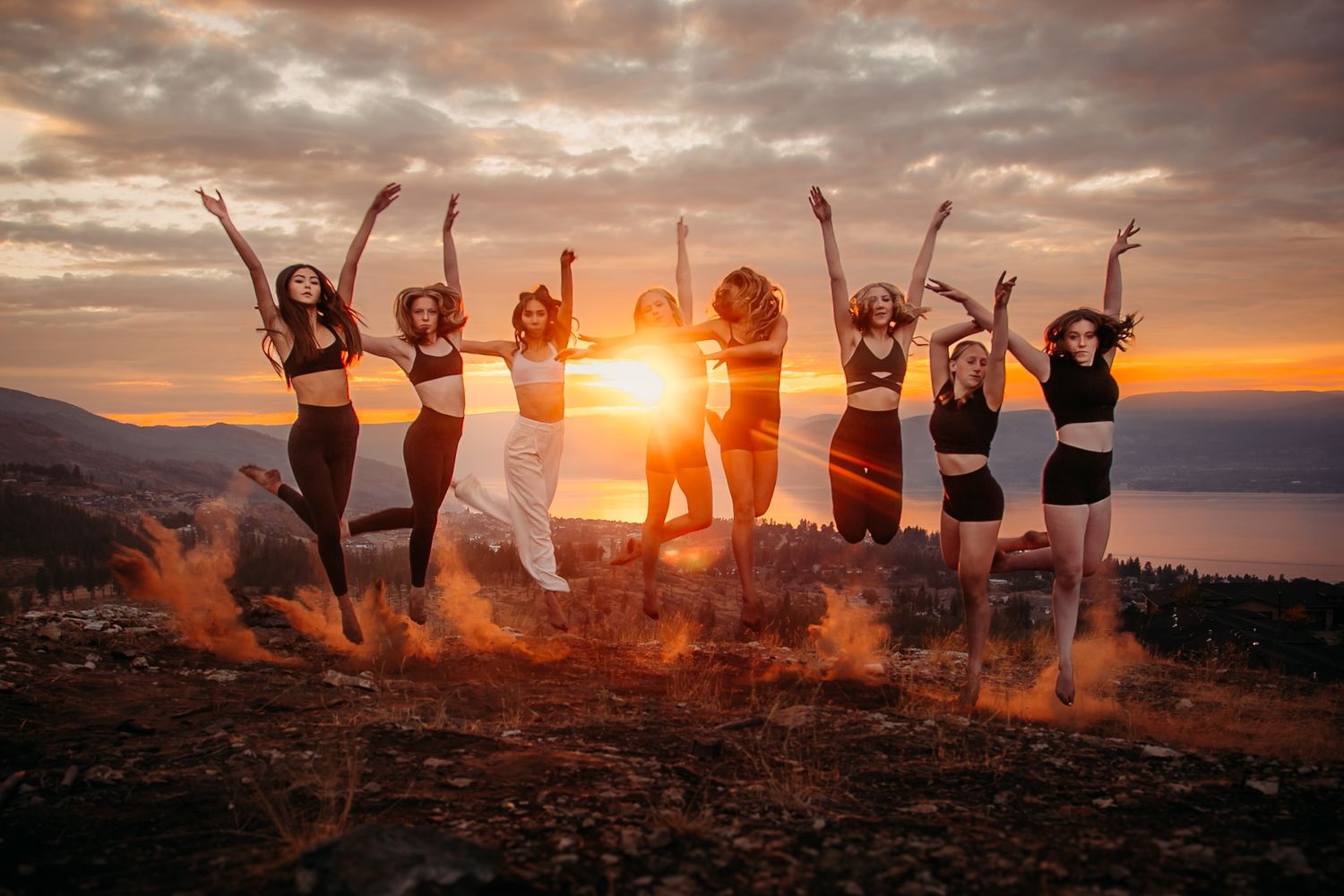
Luxury Session Ordering Process
What to expect throughout you Luxury Session experience
Here is everything you need to know to get ready for your dancer’s Luxury Session. Please read through the instructions below carefully and reach out with any questions at info@famousphotos.ca.
LUXURY PHOTO SESSION SITTING FEE (REQUIRED)
All Luxury Photo Sessions require a paid sitting fee in advance. The fee varies depending on the session style and required setup:
• $25 – Standard session
• $30 – Premium session (includes use of props or studio setups)
• $40 – Signature session (includes full backdrop construction or advanced styling)
Your sitting fee secures your dancer’s session. Luxury sessions must be scheduled ahead of time. Please contact Famous Photos if you are interested in booking a Luxury Photo Session for your individual dancer or your dance class/studio.
ADD BUTTON to Luxury sitting fee product.
Before Photoshoot Day
Step 1. Pay Your Sitting Fee
Sitting fees cover our photographers' prep, shoot, and editing time. They DO NOT include prints or digital files.
Please pay your sitting fee in order for your dancer to participate. The exact fee will depend on the specifics of your Luxury Session. You will receive an email from your dance studio or organization with the sitting fee price. Please find the correct sitting fee amount and pay your sitting fee online at this link at least seven days prior to your scheduled photo day or as soon as possible.
Important: Add Dancer Info at Checkout when paying Sitting Fees
When paying your Sitting Fee, you must include your dancer’s full name, studio, class name, and scheduled photo time. This helps us match your payment to the correct student and keeps the photoshoot on schedule.
At checkout, click “Add a note to the seller” (see the left side of the checkout screen). In the note box, write something like:
Example:
Ava Thompson – Elevation Dance Studio – Ballet Level 1 – Saturday 10:00 AM
Without this info, our photographers will need to manually search through the studio’s full class list to locate your dancer, which can delay your photoshoot session and impact the schedule for dancers after you. Thanks for helping us stay organized!
Sitting fees do not include any prints or digitals.
For more info, please see the Sitting Fee page or scroll down to the FAQ section at the bottom of this page.
Step 2. Book a Time
Luxury Sessions booked by your studio DO NOT need to book a time slot. We have a set schedule that will be sent out to dancers via email from your studio.
Luxury Sessions for individual dancers must be scheduled in advance. To book, email us at info@famousphotos.ca to reserve your session time.
On Photoshoot Day
For Luxury Photo sessions
Your session will take place at the agreed location and time. Plan to arrive early, bring any props or costumes, and come ready to move! Take some time to prepare for your session to get the most out of your time. Come ready and warmed up to have your photo taken. Think of some poses, actions, movements that you excel at and make you feel like a star! We will help you perfect that pose or movement in a relaxed and creative manner focused on capturing your unique personality and push you to get that "WOW" photo!
Please make sure your dancer arrives 10 minutes early in full costume with hair and makeup done (lighter makeup is acceptable). We will take both a class group photo and individual portraits (please purchase sitting fee for multiple poses). Your group pose and individual pose options will be set by your instructor during regular class time. Dancers please remember your poses! Our younger dancers are not required to remember poses.
Get the most out of your photos and look your best....
- remove nail polish, temporary tattoos, jewelry
- no elastics on wrists
- wash your pink ballet tights
Most importantly, have fun and bring your smile!
After Photoshoot Day
Step 1: Browse Available Products
We offer both printed photo packages and digital photo packages. You will also be able to order individual products, such as standard photo prints, trader cards, or collage images. Preview the products that will be available to order for luxury sessions here:
Step 2: Access Your Gallery
Access your photo gallery on our website's Galleries page.
All recent Famous Photos photoshoots will be published on this page (unless alternative arrangements have been made). You will need to enter your email to view your gallery. Use the email address you plan to use for ordering. If you don’t see your gallery listed, email us at info@famousphotos.ca.
Step 3: Browse Through Your Images
Browse through your images. If you'd like to make a list of your favourite images, click the heart icon on each favourite photo. These images will be collected together in a tab called "My Favorites". Creating a favorites list does not save your cart or start an order. You don't need to make use the heart icon or make a favorites list, but you may find it helpful to isolate your favourite images before ordering. You can access your "My Favorites" list by clicking the little heart icon on the top menu above the gallery photos.
Step 4: Fill Your Shopping Cart
There are two available methods for adding photo products to your shopping cart:
- Click "Print Store" on the top menu to view all available packages and products (both digital and printed)
- Click the little shopping bag icon on an individual photo, products will appear, use tabs to see all products
If your package includes multiple photos, you’ll be guided to select them after adding the package to your cart. You can change your selections at any time before ordering by locating that package in your shopping cart.
Step 5: Checkout
When your cart is complete, click "Proceed to Checkout". Review your Order Summary to ensure it is correct. Provide your billing and shipping details.
Entering dancer info with your photo order:
When paying for your photo order, please include your dancer’s full name, studio name, and class name in the “Add a note to the seller” box during checkout. This helps us quickly match your order with the correct dancer and photo set, which is especially helpful if you reach out with questions or need support later on. It also helps prevent delays in processing your order and ensures accurate fulfillment.
To add this info:
1. On the checkout screen, look on the left side under the Order Summary.
2. Click “Add a note to the seller.”
3. In the box that appears, type your dancer’s info (name, studio, class).
Example:
“Ellie Smith, Leap Dance Academy, Beginner Jazz Class (The Ladybugs).”
Review your order details and submit payment. You will receive an order confirmation email once your purchase is complete.
Step 6: Receive Your Order
Purchased digital photos are hand-edited after orders are placed. Once your photos are ready, you’ll receive a download link by email. Please allow a few weeks for delivery as each image is edited individually.
Print orders are sent to the lab after editing is complete. Delivery timelines vary by studio. If you have questions about your order or need an update, feel free to contact us or your dance studio.
Need Help?
If you have any questions on the ordering process or need help with your order, please contact us at info@famousphotos.ca.
FAQ
1. How long will my photos be available online?
Starting in 2024, galleries will remain online for approximately 18 months. If you can’t find an old gallery, contact us to check availability. Older galleries may be retrievable for a fee.
2. Can I share purchased photos online or publish them in print?
Yes, you can share your purchased digital images online for personal use, including on social media. However, commercial or promotional use, including publishing in media, may require additional permissions. If you are unsure, please contact us for guidance on licensing and usage
3. Can I download my digital photos immediately?
No. Digital photos are manually edited after you place your order. Once they’re ready, we’ll send you a download link by email.
4. Do you offer shipping for print orders?
Yes, shipping is available. Please note that print orders are only processed from September to April.