
Our Ordering Process
This page outlines everything you need to know before your dancer’s photo session and how to order photo products afterwards. The steps below apply to our standard Dance Class Sessions done for year-end class photos through your studio.
If your dancer is part of a Luxury Session (a customized session arranged directly or through your studio) please refer to our Luxury Session Ordering Process page for specific instructions.
Before Photoshoot Day
Decide if a sitting fee is right for you?
Payment of a sitting fee is optional for Dance Class Sessions. If you choose to pay the sitting fee, the photographers will take additional photos of your dancer. Sitting fees DO NOT include prints or digital files.
Sitting fees cover the time and editing for us to photograph more individual poses of your dancer so you have more options to choose from when placing your order. Every dancer will have taken an individual and a group photo, but if you would like more poses then choose to sign up for the sitting fee and pay the additional $5.00 per class.
The Paid Sitting Fee Option
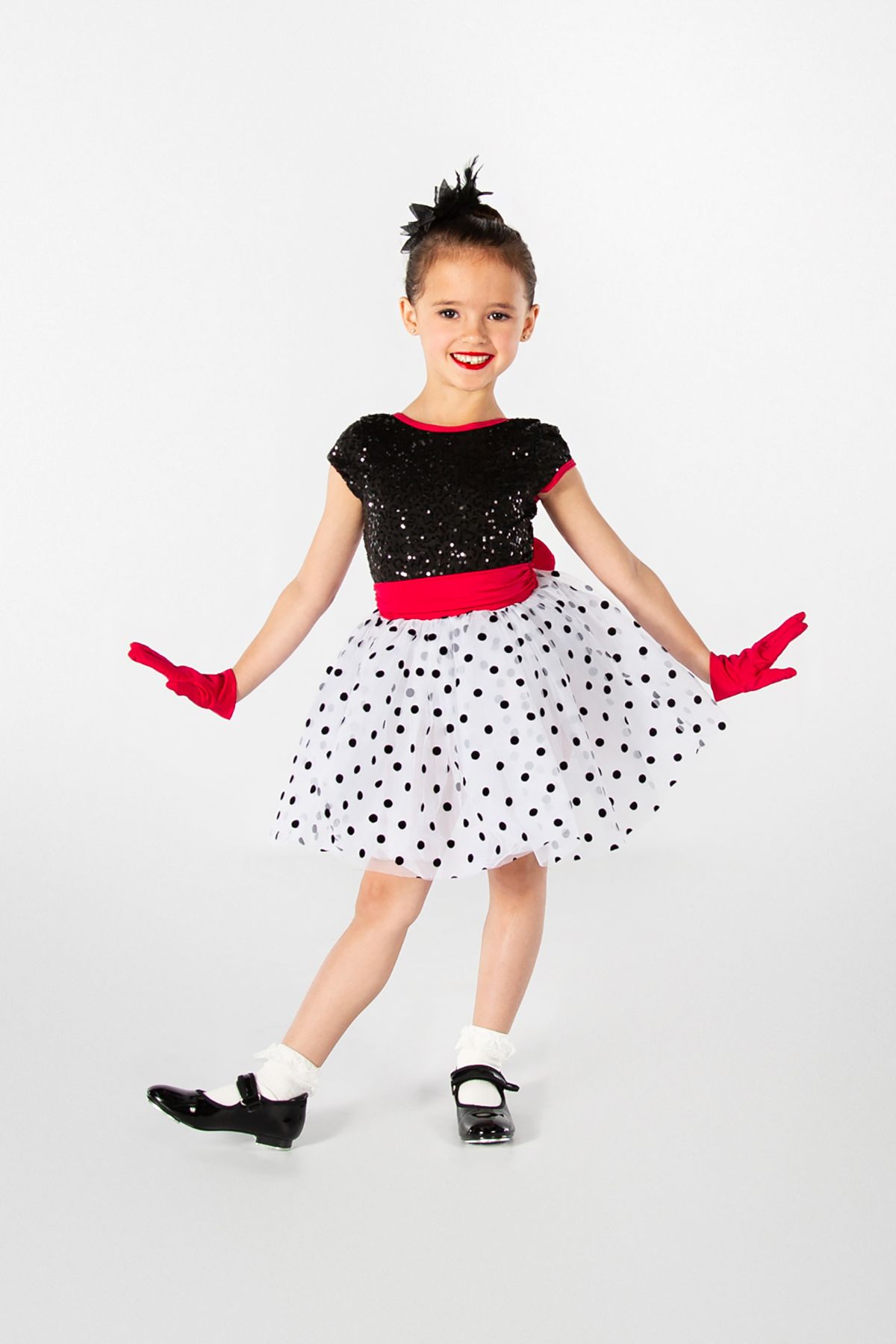
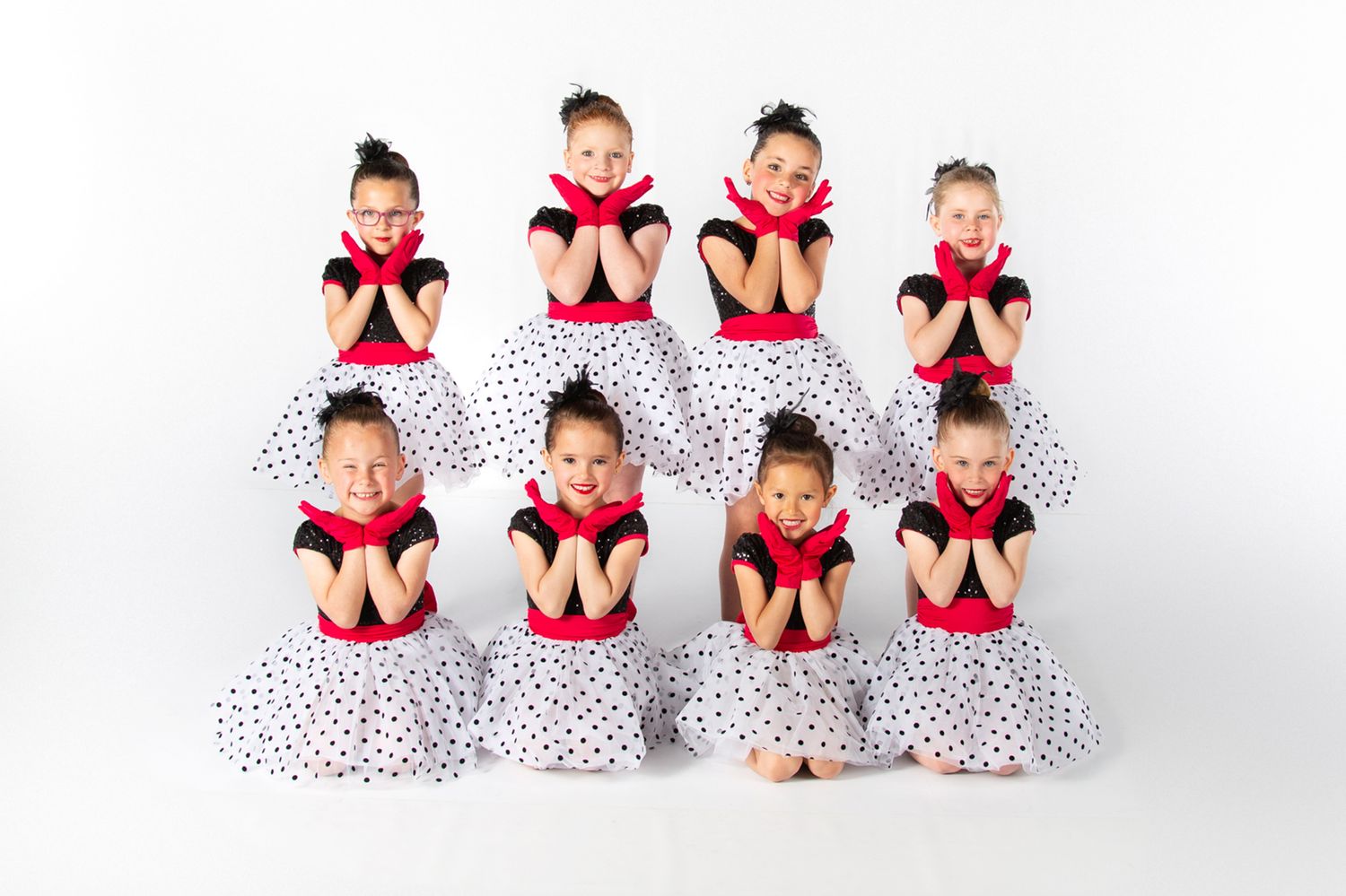
For $5.00 per dancer per class, the optional sitting fee adds:
- 2 additional poses
- 1 headshot
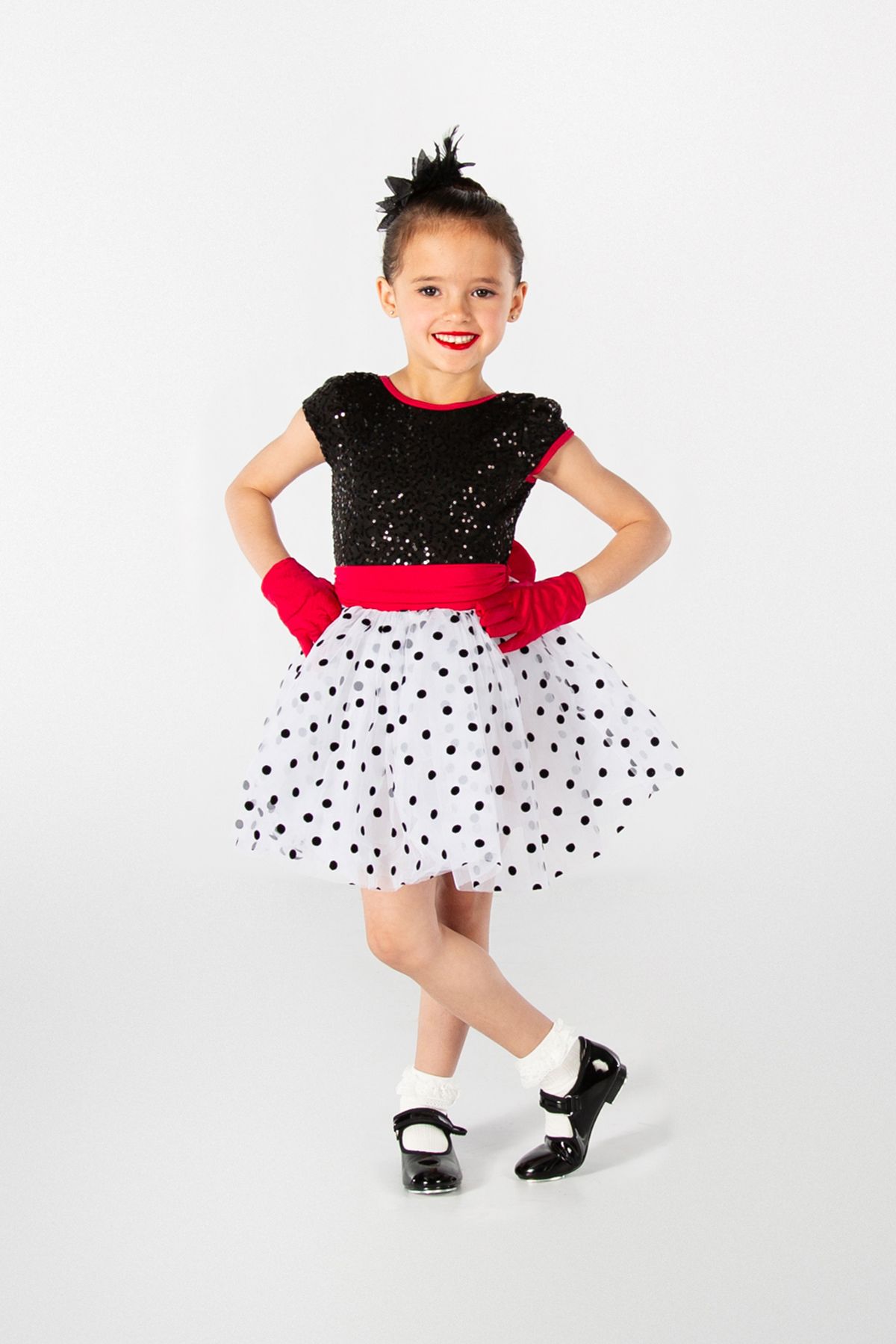
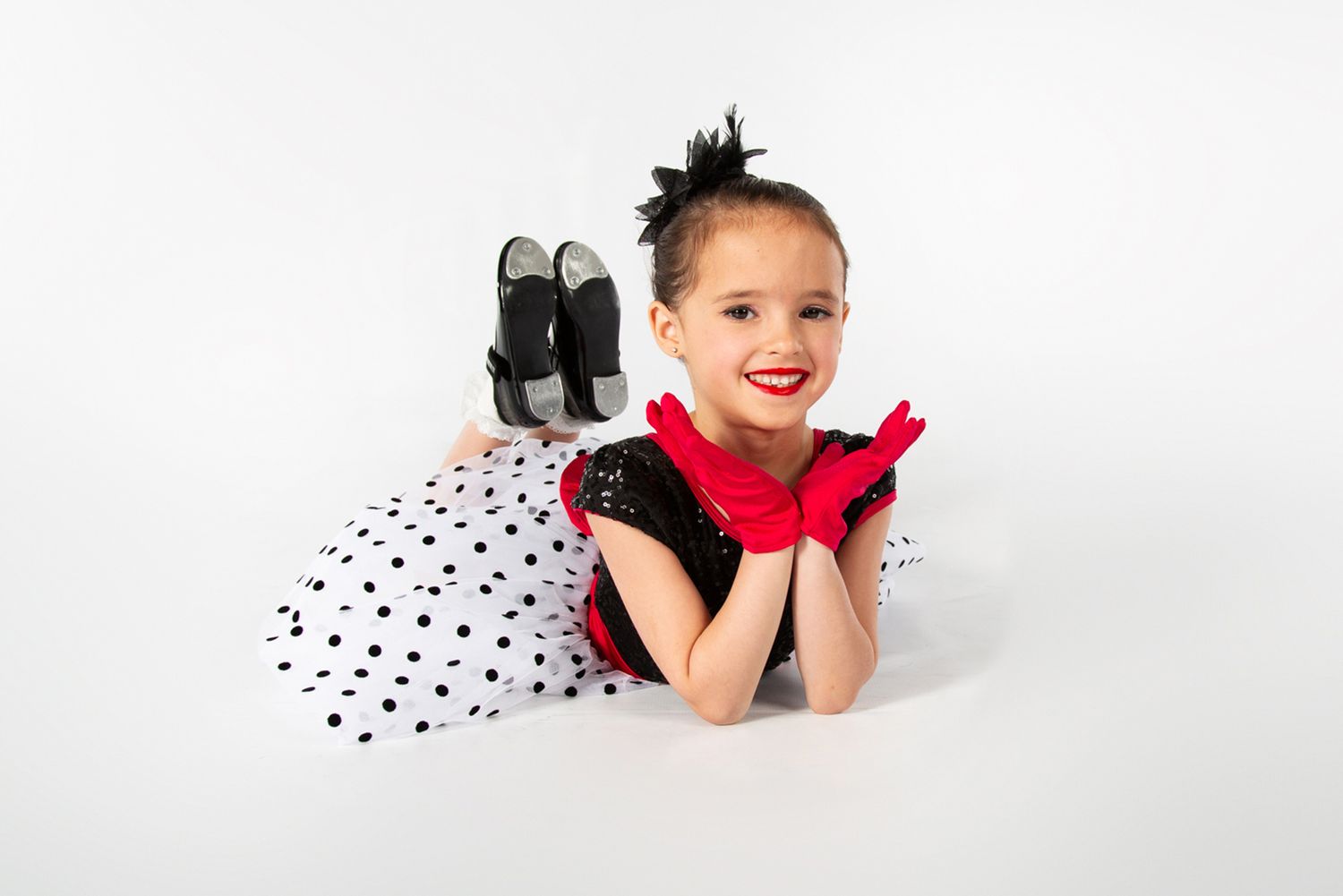
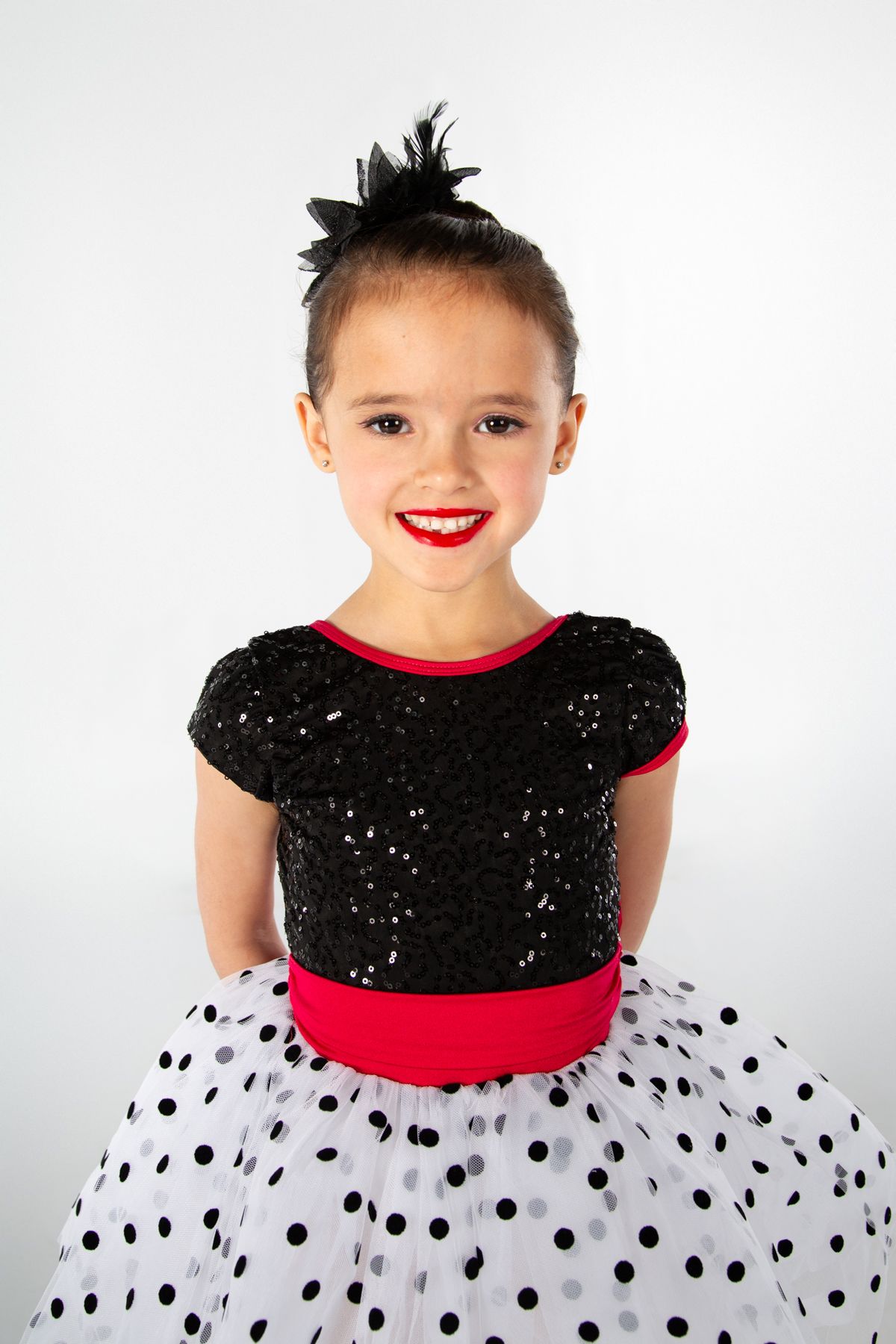
This gives you 5 images to choose from (per class) when ordering. We highly recommend the paid sitting fee option (especially for our tiny dancers).
Please pay your Sitting Fee online at least 24 hours prior to your studio's scheduled photo day or as soon as possible.
Important: Add Dancer Info at Checkout when paying Sitting Fees
When paying your Sitting Fee(s), you must include your dancer’s full name, studio, class name, and scheduled photo time. This helps us match your payment to the correct student and keeps the photoshoot on schedule.
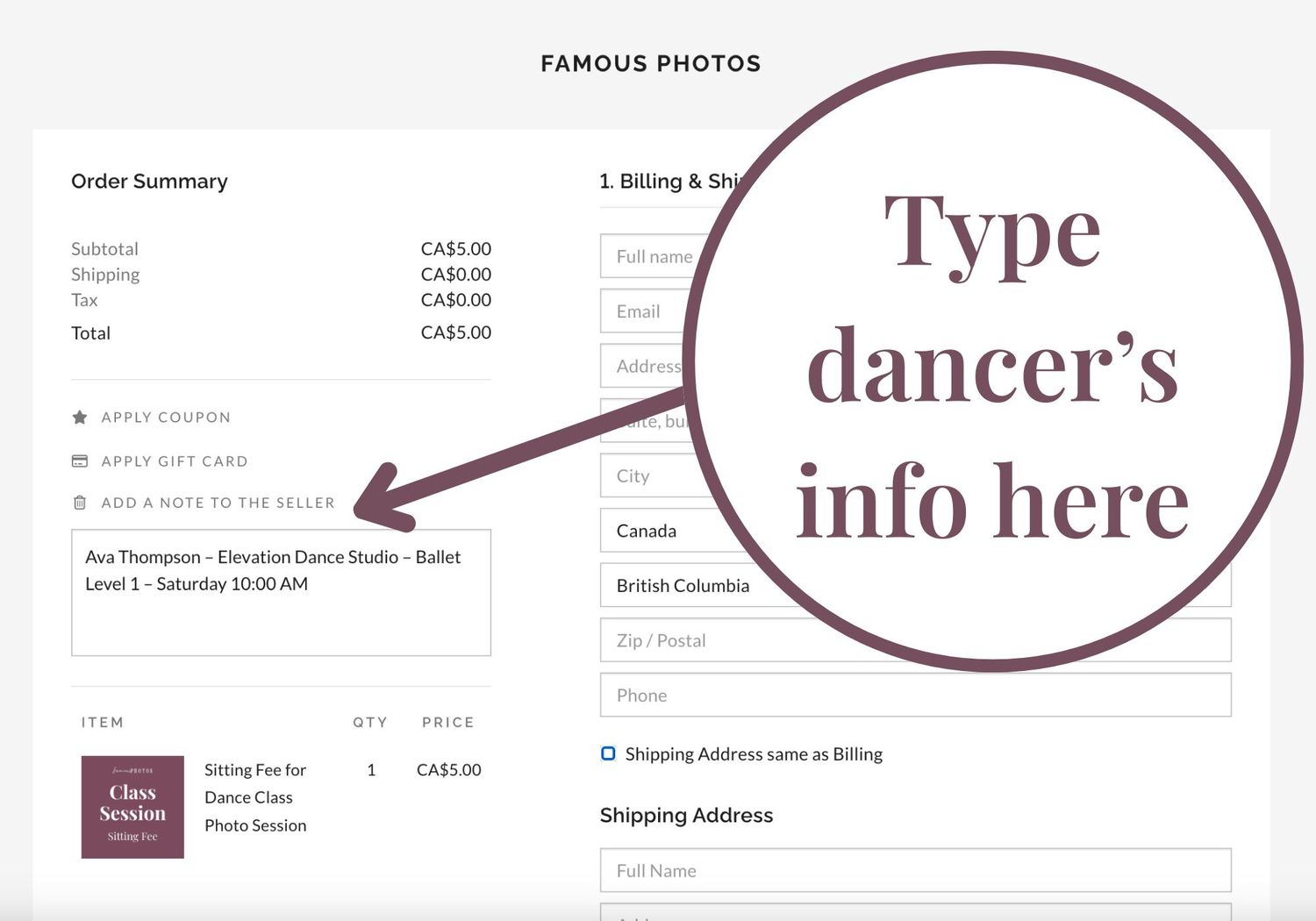
At checkout, click “Add a note to the seller” (see the left side of the checkout screen). In the note box, write something like:
Example:
Ava Thompson – Elevation Dance Studio – Ballet Level 1 – Saturday 10:00 AM
Without this info, we may not be able to locate your dancer, and you will miss out on the extra poses. Thanks for helping us stay organized!
Sitting fees do not include any prints or digitals.
For more info, please see the Sitting Fee page or scroll down to the FAQ section at the bottom of this page.
On Photoshoot Day
For dance Class Photo sessions
Your dancer's scheduled photoshoot time is sent out via email from your dance studio. Please confirm with your dance teacher or your dance studio's manager. Times are typically confirmed at least 14 days before photo day.
Please make sure your dancer arrives 10 minutes early in full costume with hair and makeup done (lighter makeup is acceptable). We will take both a class group photo and individual portraits (please purchase sitting fee for multiple poses). Your group pose and individual pose options will be set by your instructor during regular class time. Dancers please remember your poses! Our younger dancers are not required to remember poses.
Get the most out of your photos and look your best....
- remove nail polish, temporary tattoos, jewelry
- no elastics on wrists
- wash your pink ballet tights
Most importantly, have fun and bring your smile!
After Photoshoot Day
Viewing Galleries will be live on our website and ready for photo viewing and purchasing digitals and prints around 2 weeks after photo day. (This timeline is subject to change. We do back to back studios May to June and do our best to get everything up as fast as possible.) In the meantime you can...
Step 1: Browse Available Products
We offer both printed photo packages and digital photo packages. You can also order individual products, such as standard photo prints, trader cards, or collage images. Preview the products that will be available to order for dance class sessions here:
Step 2: Access Your Gallery
An email will be sent out through your studio letting you know when your gallery is ready. Please anticipate around 2 weeks time after photo day.
Access your photo gallery on the Photo Galleries page.
All recent Famous Photos photoshoots will be published on the Galleries page. You will need to enter your email to view your studio's gallery. Use the email address you plan to use for ordering. And enter your studio password provided in the info email sent out from your studio. Once inside your studio's viewing gallery, use the menu on the top left of the gallery to navigate to your class photo set. You may have to use the "more" drop down menu to find your class set.
Step 3: Browse Through Your Images
Browse through your images. If you'd like to make a list of your favourite images, click the heart icon on each favourite photo. These images will be collected together in a tab called "My Favorites". Creating a favorites list does NOT save your cart or start an order. This step is not mandatory, but you may find it helpful to isolate your favourite images before ordering. You can access your "My Favourites" list by clicking the little heart icon on the top menu above the gallery photos.
Step 4: Fill Your Shopping Cart
There are two available methods for adding photo products to your shopping cart:
- Click "Print Store" on the top menu to view all available packages and products (both digital and printed)
- Click the little shopping bag icon on an individual photo, products will appear, use the different tabs to see all products
If your package includes multiple photo selections, you will be guided to select them after adding the package to your cart. You can edit your selections at any time before ordering by locating that package in your shopping cart. You will not be able to proceed to payment until all necessary image selections are made.
Step 5: Checkout
When your cart is complete, click "Proceed to Checkout". Review your Order Summary to ensure it is correct. Provide your billing and shipping details.
Entering dancer info with your photo order:
When paying for your photo order, please include your dancer’s full name, studio name, and class name in the “Add a note to the seller” box during checkout. This helps us quickly match your order with the correct dancer and photo set, which is especially helpful if you reach out with questions or need support later on. It also helps prevent delays in processing your order and ensures accurate fulfillment.
To add this info:
1. On the checkout screen, look on the left side under the Order Summary.
2. Click “Add a note to the seller.”
3. In the box that appears, type your dancer’s info (name, studio, class).
Example:
“Ellie Smith, Leap Dance Academy, Beginner Jazz Class (The Ladybugs).”
Review your order details and submit payment. You will receive an order confirmation email once your purchase is complete.
Step 6: Receive Your Order
If you had your photo session in May or June: Return timeline is September when classes resume. This is our busy season! We are 2 local Okanagan mamas and all photo processing occurs over the summer months :) For the most part studios are closed for July and August so the most convenient time to pick up your print orders is when the studio reopens in September. All digital orders are manually edited to look their best and will be sent out at the end of summer.
Want them sooner? Select Rush processing and shipping at check out and we will bump your order to the top of our list!
Orders received between September and April: are processed at the end of the month and delivered by mid the next month if not sooner. Print orders may be subject to shipping during this time.
Need Help?
If you have any questions on the ordering process or need help with your order, please contact us at info@famousphotos.ca.
FAQ
1. WHY DOES MY PHOTO ORDER GET RETURNED IN SEPTEMBER?
If you had your photo session in May or June. This is our busy season! We are 2 local Okanagan mamas and all photo processing occurs over the summer months :) Bulk processing helps keep costs down so we can keep our products affordable for families.
For the most part studios are closed for July and August so the most convenient time to pick up your print orders is when the studio reopens in September.
Digital orders from Galleries Nov 2025 to date will have instant download.
All galleries from before then are manually edited to look their best and will be sent out at the end of summer.
2. CAN I GET MY PHOTOS SOONER THEN SEPTEMBER RETURN?
Absolutely! We offer Rush Processing and Shipping for the months of June and July. We bump your order to the top of our list and will process your print order and have it shipped directly to you for a flat rate of $15.00 per family (canvases and metals are subject to a higher shipping cost.)
3. CAN I DOWNLOAD MY DIGITAL PHOTOS IMMEDIATELY?
Yes! We now have instant digital download for galleries from Nov 2025 to date. You will be sent a download link after purchase. Link will expire in 7 days. Please email us if you miss this window and we can send you a new link. All older galleries require manual processing and will take longer to receive. Please see current processing times or choose RUSH option at check if available.
4. DO YOU OFFER SHIPPING FOR PRINT ORDERS?
Yes, shipping can be added at checkout. Shipping does NOT include RUSH processing. If you would like your print order sooner then the September return date please select Rush Processing and Shipping at check out. We offer pick up at your dance studio in September but shipping is always an option to not worry about pick up or if you have moved away. Print orders may be subject to shipping for the months of October-April.
5. CAN I SHARE PURCHASED PHOTOS ONLINE OR PUBLISH THEM IN PRINT?
Yes, you can share your purchased digital images online for personal use, including on social media. However, commercial or promotional use, including publishing in media, may require additional permissions. If you are unsure, please contact us for guidance on licensing and usage.
6. HOW LONG WILL MY PHOTOS BE AVAILABLE ONLINE?
Starting in 2024, galleries will remain online for approximately 18 months. If you can’t find an old gallery, contact us about photo retrieval.